Conversational AI · Integrations · Automation
WhatsApp AI chatbots for e-commerce: what to build and what to avoid
How to launch a WhatsApp AI assistant for an online store: Meta approval, templates vs sessions, order tracking, cart recovery, integrations and hand-off.
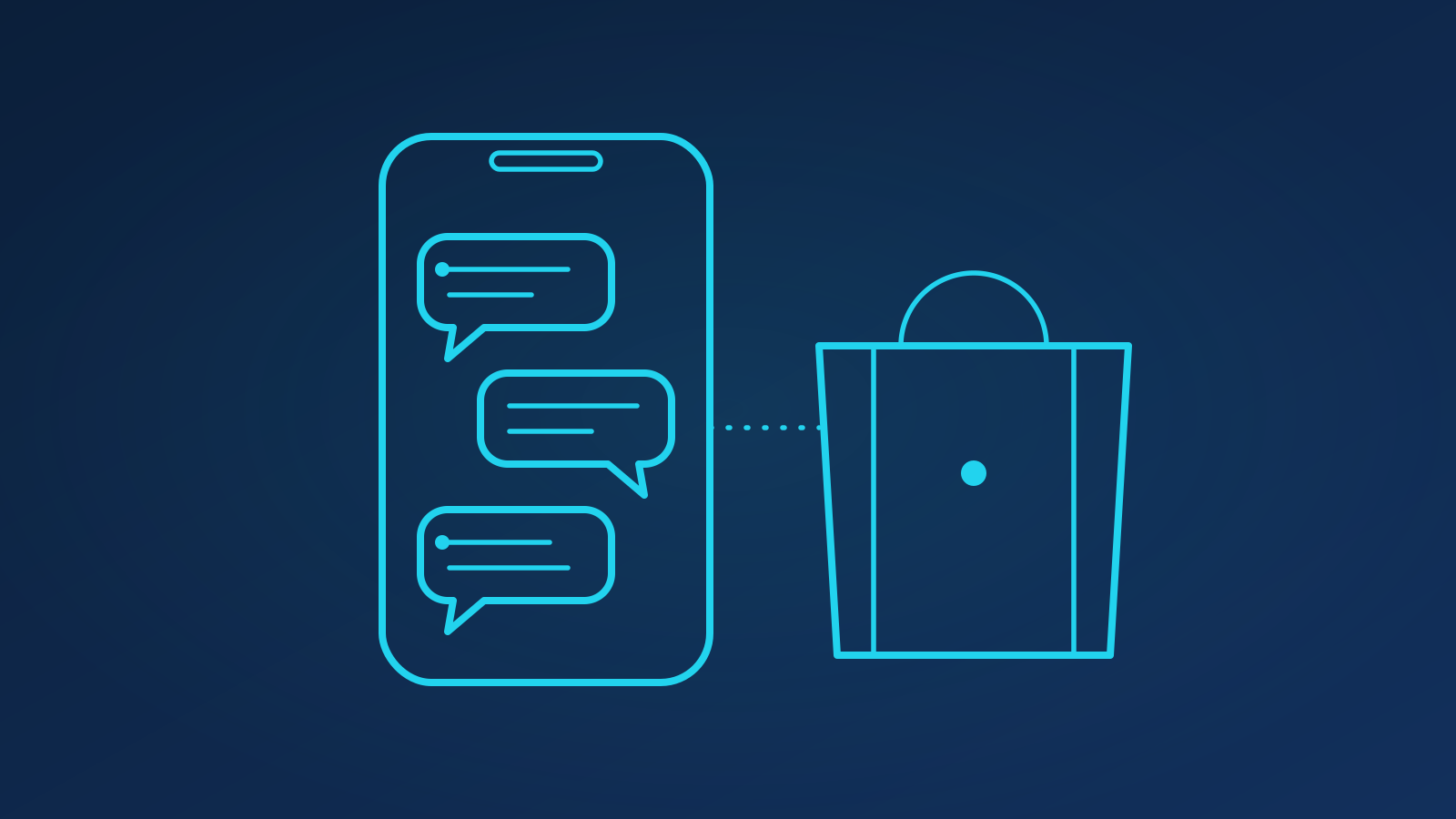
A WhatsApp AI chatbot for e-commerce is an assistant on the WhatsApp Business API that answers product questions, reports order status, starts returns and recovers abandoned carts using your store data rather than a script. It works because customers already live in WhatsApp: open and reply rates are far higher than email, and a conversation can move from question to purchase without leaving the thread. The catch is that Meta's rules on opt-in, message categories and 24-hour sessions shape everything you build.
TL;DR
- You need a verified Meta Business account and the WhatsApp Business API (Cloud API or a BSP); the green tick is optional, the approval is not.
- Free-form replies are only allowed within 24 hours of the customer's last message; everything else must be a pre-approved template.
- Start with order status, product Q&A and returns; add cart recovery and catalogue-plus-payments once opt-ins are clean.
- Integrate with Shopify, WooCommerce or your CRM through read-only APIs first, then write actions behind confirmations.
- Measure resolution and recovered revenue against a holdout, not message volume.
What do you need from Meta before you write any code?
Three things: a Meta Business Manager account that passes business verification, a phone number not registered on the consumer app, and access to the WhatsApp Business Platform, either directly through the Cloud API or via a Business Solution Provider (BSP) that adds an inbox and billing. Verification takes days, so start it on day one.
Meta also rates your number on how customers react; too many blocks and your outbound limits drop overnight. The assistant has to be useful enough that people do not swipe it away.
Templates vs session messages: which do you use when?
Once a customer messages you, a 24-hour customer service window opens. Inside it you can send free-form session messages, including anything your AI generates. Outside it you may only send template messages that Meta has approved in advance, in a declared category: utility (order updates), marketing (offers, cart reminders) or authentication (one-time codes).
In practice:
- Inbound questions ("where is my parcel?", "does this come in blue?") are answered in the session with generated replies grounded in your data.
- Proactive updates (shipped, out for delivery, refund issued) go as utility templates with variables for order number and tracking link.
- Cart recovery and promotions go as marketing templates, only to customers who opted in to marketing specifically. Marketing conversations cost more and are frequency-capped in several markets.
Design templates as conversation openers: a shipping notice ending "Reply if you need to change the delivery address" opens a session in which the AI can act.
Which use cases pay off first?
Order the roadmap by frequency and by how much of the answer already lives in a system you can query.
| Use case | Data source | Message type | Typical outcome |
|---|---|---|---|
| Order status and tracking | Store orders API, carrier API | Session reply or utility template | Largest single reduction in tickets |
| Product Q&A | Catalogue, size guides, policies (via RAG) | Session reply | Higher conversion on considered purchases |
| Returns and exchanges | Orders API plus returns rules | Session, with confirmation step | Faster resolutions, fewer emails |
| Abandoned-cart recovery | Checkout events, opted-in customers | Marketing template within hours | Recovered revenue in the low single digits of abandoned value |
| Catalogue and payments | WhatsApp catalogue, payment links | Interactive session messages | Purchase without leaving the thread |
Product Q&A is where the language model earns its place: retrieval over the catalogue, size guides and policies lets it answer "will the 42 fit if I'm usually a 41?" from your own fit notes, and decline when it has nothing, the same cite-or-decline pattern we use for support chatbots.
Cart recovery funds the rest, but only with restraint. One reminder a few hours after abandonment, personalised with the items and an honest "did something stop you?", beats a sequence of discount pushes, because it opens a session in which the assistant can clear the blocking question.
How does the assistant connect to your store and CRM?
The assistant is only as good as the tools it can call. Wire it up in layers:
- Read-only first. Order, stock and tracking lookups via the Shopify Admin API or WooCommerce REST API. Match the WhatsApp number to the account and use a one-time code for anything sensitive.
- Write actions behind confirmations. Start a return, change an address, apply a code. Each is a tool with a schema; the assistant proposes, the customer confirms with a button, then the call executes.
- CRM and helpdesk sync. Log every conversation to HubSpot, Zendesk or whatever you run, tagged by intent and outcome.
- Events in. Checkout abandoned, order shipped, refund issued: these trigger templates and keep context current.
This is standard AI integration work: idempotent calls, retries, an audit log of every action taken on a customer's behalf, and a fallback to plain templates if a downstream API misbehaves.
What about opt-in, privacy and hand-off?
Meta requires explicit opt-in before you message someone first, and it must name WhatsApp specifically. Collect it at checkout and in the account area, store the timestamp and source, keep marketing opt-in separate from transactional, and honour "STOP" instantly. If you serve EU customers, treat WhatsApp numbers as personal data under GDPR: purpose limitation, retention limits and a processing agreement with your BSP.
For hand-off, the human should receive the full transcript, the sources used and a drafted reply. Route by intent (complaints and payment disputes go straight to people), sentiment and confidence, and state business hours up front so a night-time hand-off sets the right expectation.
What does it cost and how do you measure it?
Costs come in three parts: Meta's per-conversation pricing (varying by country and category), your BSP or hosting, and model inference. In a typical mid-sized store inference is a small fraction of the total; marketing template fees dominate, another reason to keep recovery messages targeted.
Measure it as you would a member of the team:
- Resolution rate: conversations closed without a human and without a re-contact within seven days.
- Recovered revenue: orders completed within a set window of a recovery template, compared with a holdout that received nothing.
- Template health: read, reply and block rates per template; retire the ones that get blocked.
- Cost per resolved conversation: all three cost lines divided by resolutions.
Keep an evaluation set of a few hundred real messages with approved answers and score every prompt or model change against it before it ships. Paired with sensible automation of the surrounding workflows, that turns a WhatsApp number into a channel that pays for itself. For a second opinion on your plan or Meta setup, get in touch.
Key takeaways
- Meta approval, template categories and the 24-hour window are product constraints; design around them from the start.
- Lead with order status, product Q&A and returns; they resolve the most tickets with the least risk.
- Cart recovery works when it is opted-in, timely and restrained; it fails as a discount broadcast.
- Integrate read-only first, then write actions behind explicit confirmations with an audit log.
- Track resolution, recovered revenue against a holdout and block rates rather than raw message counts.
FAQ
Do I need the green tick to run an AI chatbot on WhatsApp?
No. The green tick (Official Business Account) is a discretionary badge Meta grants to notable brands. What you need is a verified Meta Business account, a registered phone number and access to the WhatsApp Business API, either directly through the Cloud API or through a Business Solution Provider. Most stores launch without the badge and apply later once volumes justify it.
Can the assistant message a customer who has not messaged us first?
Only with a pre-approved template and only if the customer has opted in to WhatsApp messages from you. Free-form, AI-generated replies are limited to the 24-hour window after the customer's last message. The usual approach is to send a template, such as a shipping update or a cart reminder, that invites a reply; the reply opens a session in which the assistant can answer freely.
How do we stop the assistant making promises about stock or delivery?
Ground every factual answer in a tool call rather than the model's memory: stock from the catalogue API, delivery estimates from the carrier or shipping rules, order status from the orders API. Instruct the model to decline or hand off when a lookup fails, log every answer with its sources and review a sample weekly. Retrieval plus explicit tools removes almost all invented facts.

Written by
Ali Raza · Full Stack Engineer
Turns models into products: APIs, integrations, dashboards and the deployment pipelines that keep them running.
About the team →Related services

Ready to chart your AI course?
A free 30-minute consultation: we listen, ask hard questions and tell you honestly where AI will and won't help.